Send your RX
If you are a first-time client we will contact you after receiving the RX/scans. Please leave us your contact information including your phone number.
LABoratoRIES

dENTISTS
-
Open Dental Desktop or 3Shape Unite software
Select More
Select Settings
Select Connections
Select Labs
Select Add
Search for a lab by name, email address, address, or phone number
Select the lab you want to connect to from the search results “Desert Sky Dental Design”
Click Connect
-
Click Invite Link Here
Login to DS Core
Click on your profile logo
Select “Partner Lab”
Click “Add” on the pop-up
If unable to connect. Submit an inquiry on our “ Contact Us” page, for a direct link to connect, or give us a call.
-
Sign in to your “my iTero” account.
Select “Settings”
Then “Practice Settings”
Select “My Labs”
Click “Add Lab”
Enter “ Desert Sky Dental Design” in search
Confirm Connection
-
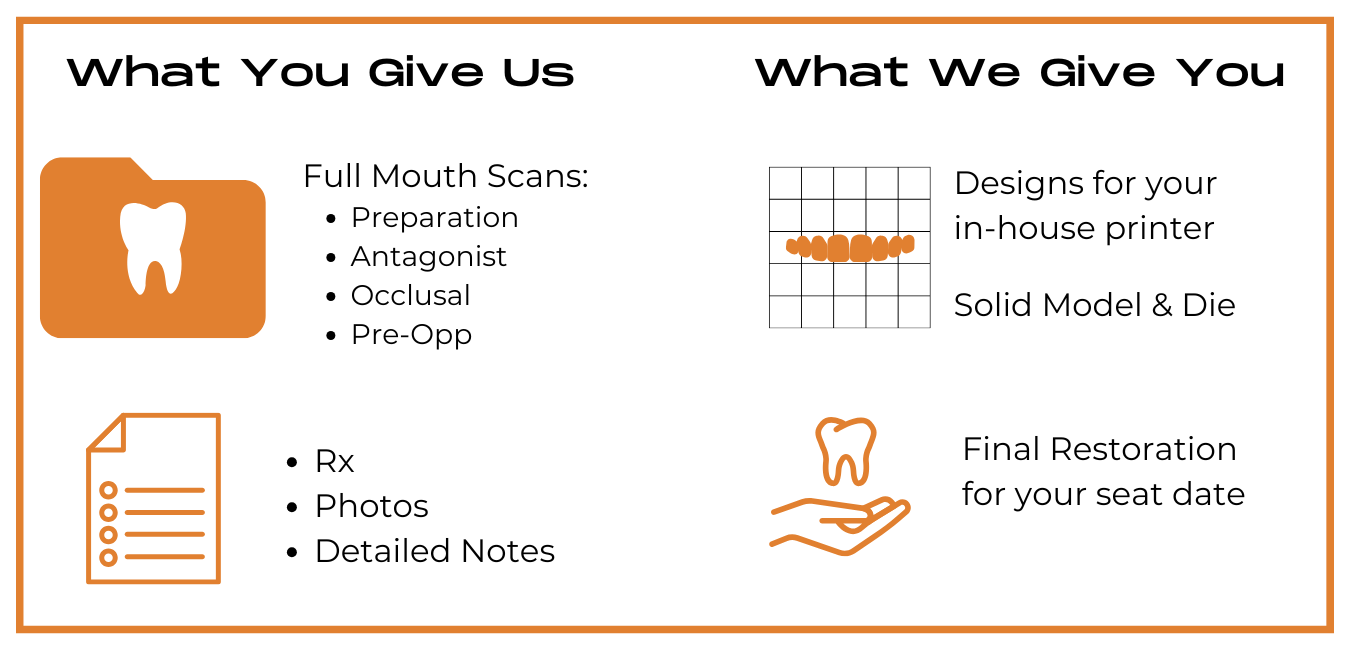
Please click the “We Transfer” button below and fill out all pertinent information about the case and submit:
Preparation Scan
Antagonist Scan
Bite Scan
Mock-Up or Pre-Opp Scan.